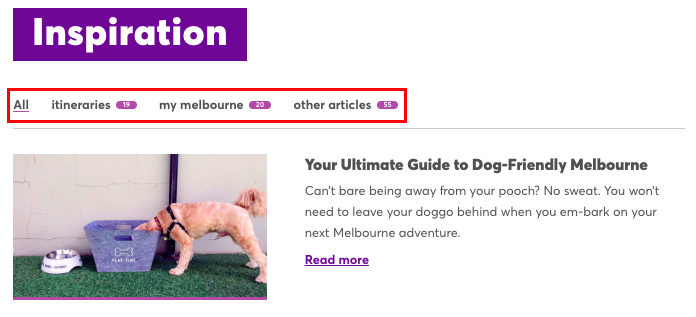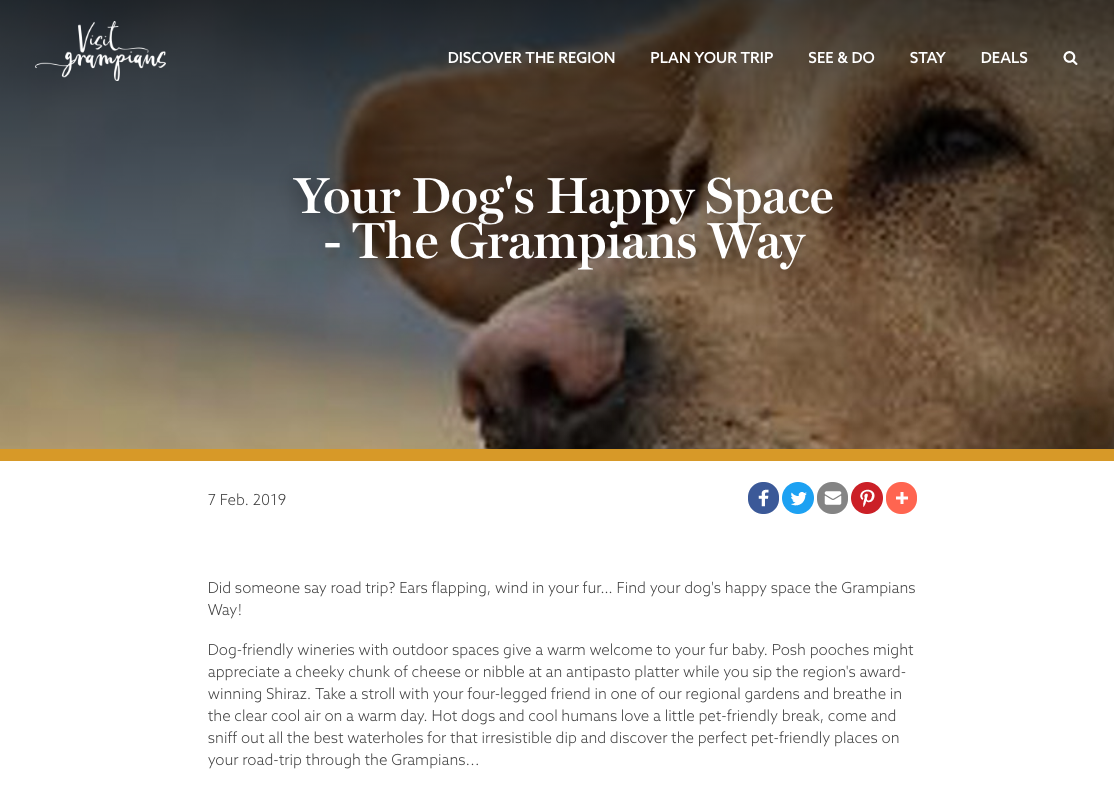
Create feature-rich blog posts that your visitors will love!
The process of creating a blog is very similar to creating a page. Use flexible content blocks, like text and image, to create visually compelling blog pages. As you would on a content page, you can revert to previous versions and set publish and expiry dates.
RELATED: a list of content blocks and what they do
Blog post vs. page post
Let’s look at a few of the key differences between blog pages and other page entries.
- When you publish a blog it automatically appears on your blog index page. The results are based on newest to oldest unless a post is Featured to appear above the other entries.
- Blog pages include social share buttons (if designed in your theme).
If you would like this feature enabled/disabled on your theme please get in touch with us via support@roamhq.io. - Blogs display publish date (mandatory) and author (optional).
- Blogs can be tagged with a category.