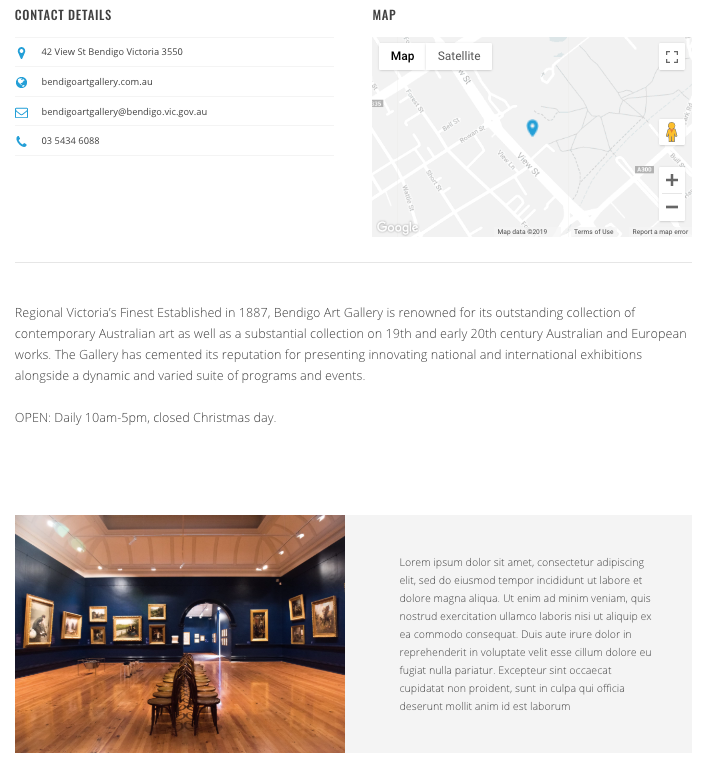
Using the same page builder elements available to you for your homepage, blog and content pages, you are also able to enhance your product entries with the exact same features. Taking them from a might see to a must-see!
Any additional page builder blocks will show underneath the existing content of your product entry.
Adding blocks to your products:
- Open your product entry
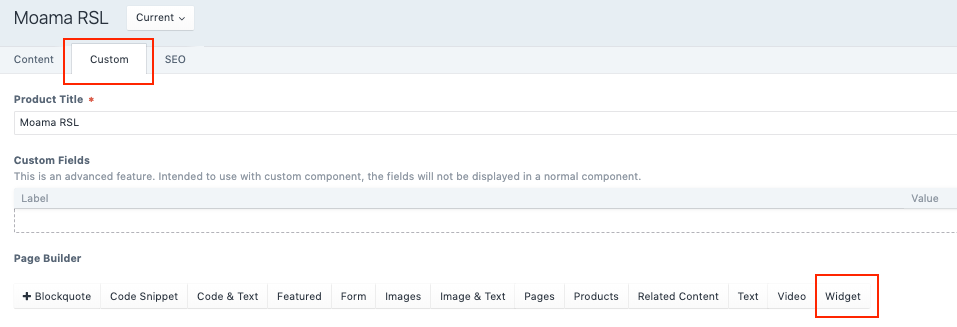
- Tap the Custom tab of your product entry
- Select your block from the Page Builder options - from here it’s the exact same functionality as any other page on the platform.
Below we have highlighted some creative ways to use page builder on your products
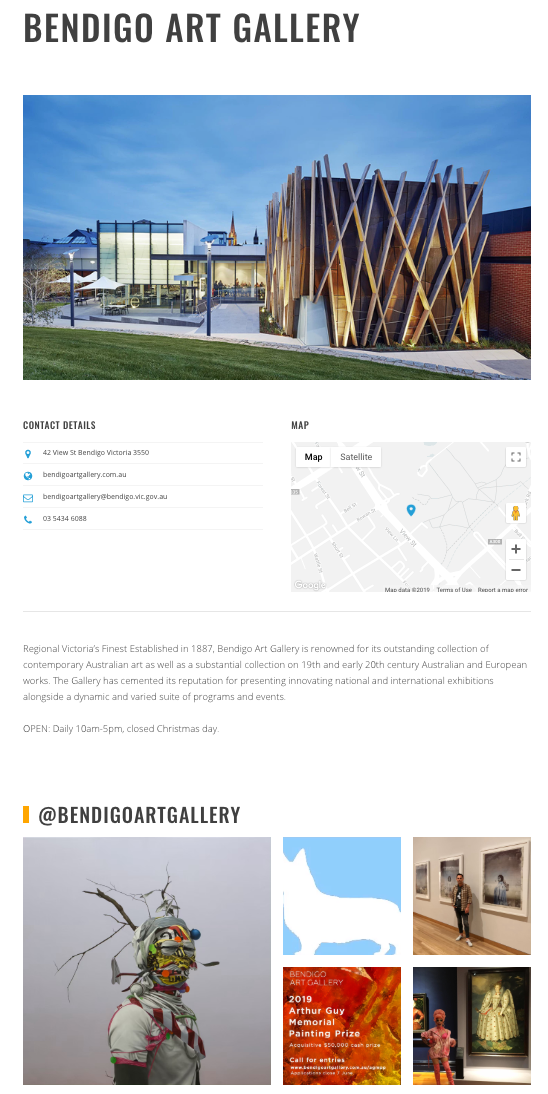
- Add a social wall
Showcase a local operator’s Instagram profile using the Widget block as a social wall.
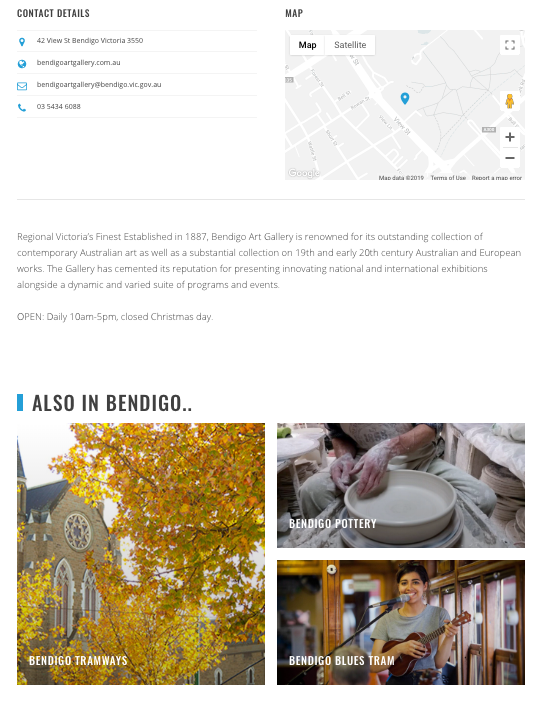
- Showcase related content
Keep your visitors exploring your site and the region by adding similar or nearby operators/activities using the product block.
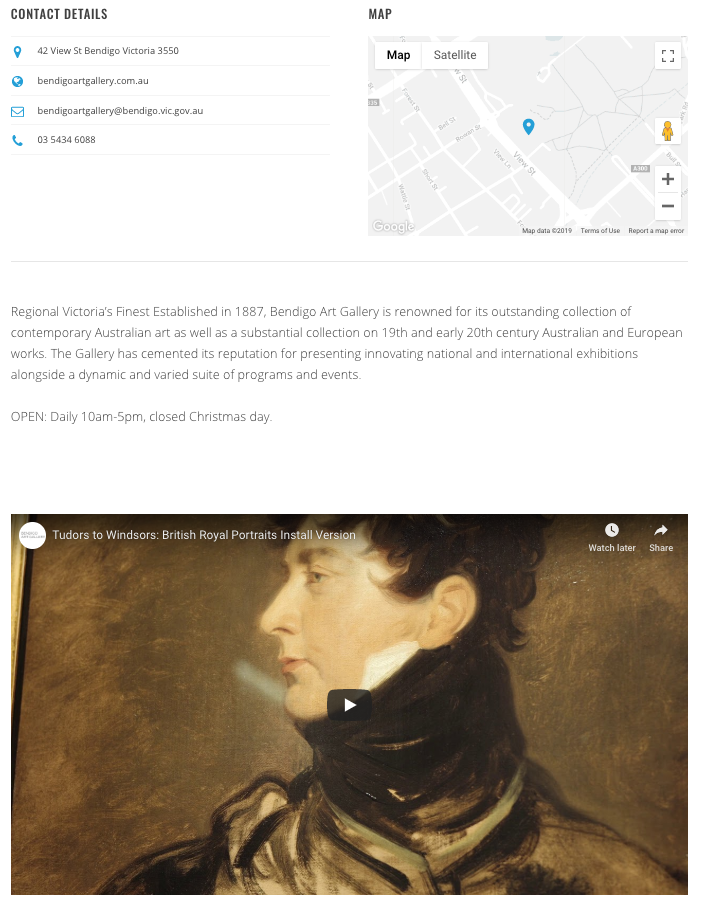
- Share an operator’s video
Embed a video using the Video block
- Curate additional content not in ATDW
Curate additional descriptions and narratives with the Text or Text & Image blocks.