To replace your current video in the hero section of your home page, please go to:
1. Pages - Unique pages
2. Select Home page
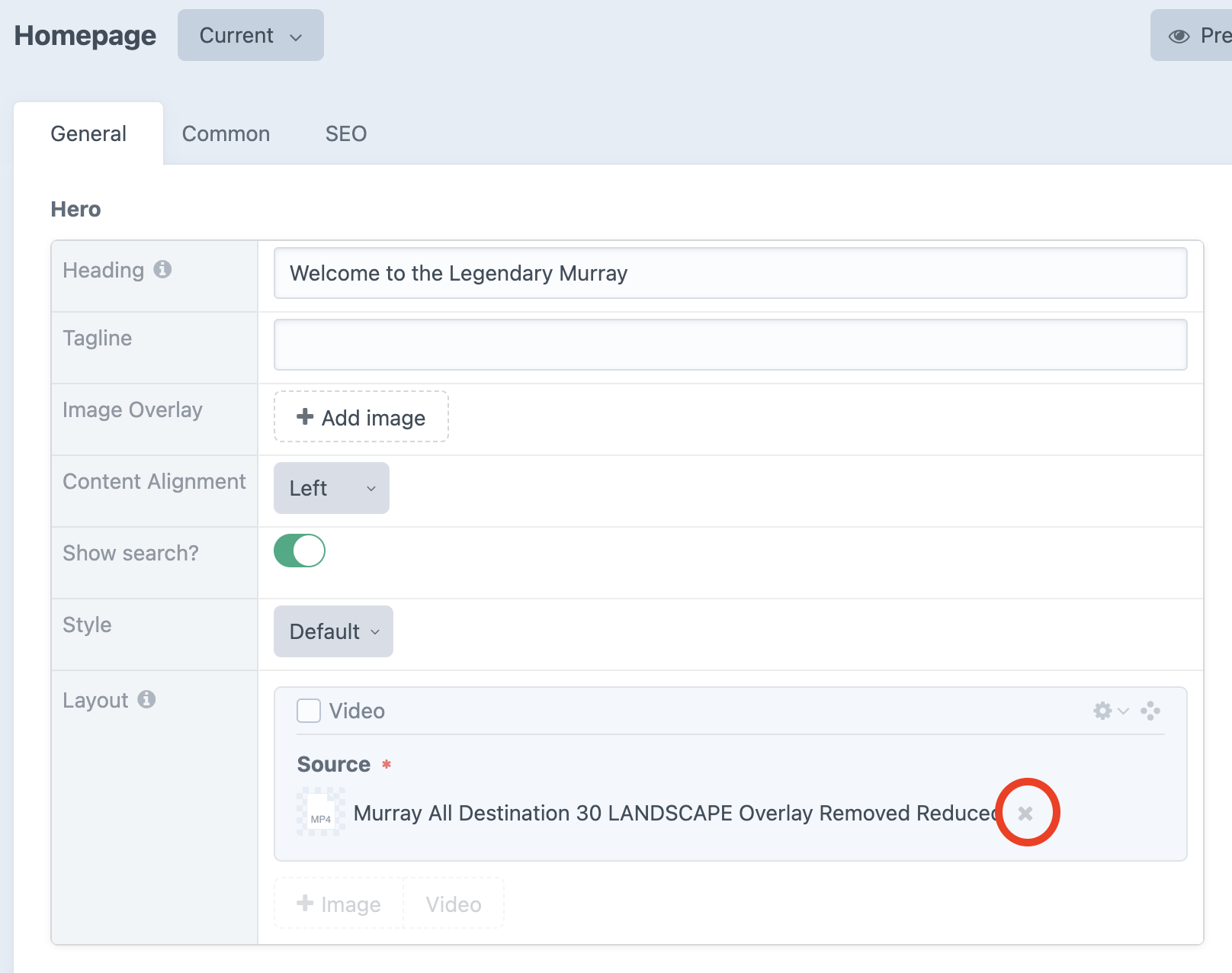
3. Under General tab - Hero section - Layout click on x next to the video and upload your new video
Related Articles:
To replace your current video in the hero section of your home page, please go to:
1. Pages - Unique pages
2. Select Home page
3. Under General tab - Hero section - Layout click on x next to the video and upload your new video
Related Articles:
Was this article helpful?