The favicon is an icon associated with your website that is typically displayed in the address bar of a browser accessing the site or next to the site name in a user's list of bookmarks.

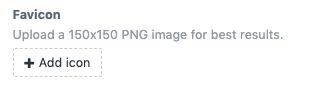
To update your website's favicon to go Theme > Company and add/swap the image in the Favicon field.
Your favicon should be a square-shaped image in preferably a 150x150 .PNG file format.