Having a good site structure improves user experience and will increase your chances of ranking highly in the search engines.
Roam makes it easy with drag & drop functionality of any page under your Pages tab in the platform giving you full control over nesting pages and managing the structure.
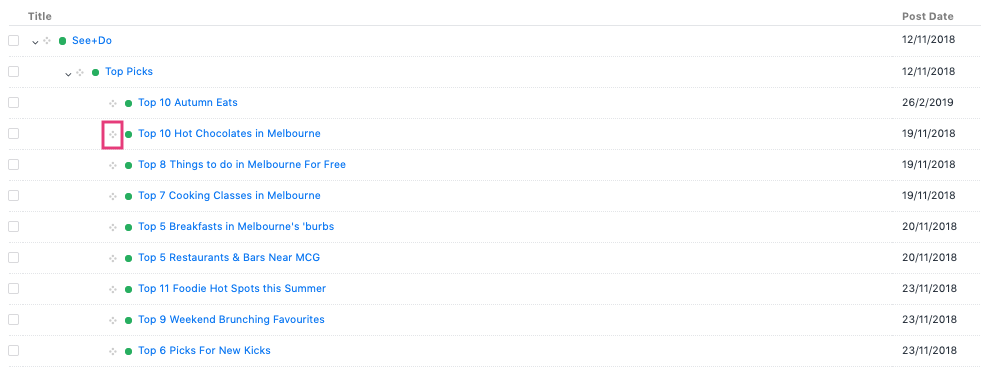
By clicking on the 4 dots icon, next to the page title, you can drag and drop pages to rearrange their order or nest them to create a page hierarchy for your site. Roam allows you to have multiple "tiers" of page hierarchy which is aligned to user experience best practices.
There are 2 major impacts to be aware of related to building and modifying your page hierarchy:
- The page hierarchy in the platform defines your URL structure. For example, if you nest "fashion" within the "Shopping" site section, the URL will automatically become something like www.mywebsite.com/shopping/fashion
- If you change your sitemap structure this may impact hyperlinks across your site or links used by social campaigns/other websites. So before changing your link structure, be mindful of where you might need to update links first.
Pro tip: updating site structure does not automatically update what's visible in your website navigation menu. For more information on updating website navigation visit our article about changing your navigation menu!