If you ever have a what-does-that-even-mean moment while browsing our how-to guide, we've included a lexicon of key definitions here to help you along your Roam journey.
- Assets
- Blog Post
- Categories
- Content Block
- Data Feeds
- Entries
- Itineraries
- Navigation
- Page Builder
- Pages
- Product Pages
- Tiers
- Unique Pages
- Widgets
Page Builder
Page builder describes the approach Roam takes to creating and editing webpages. In a page builder model, the user (that's you!) can build totally custom pages by drag & dropping content blocks (think of these as segments of your page) into a webpage, and rearranging them in whatever way you need to. This approach is designed to maximise the design quality of the page by controlling the look & feel of each section while giving you the maximum flexibility in deciding what elements you need on a page.
Content Block
A “content block” is a pre-designed component of a web page that can be drag & dropped alongside other content blocks to create your webpage. All content blocks have specific functionality, look and feel associated to them. Examples of content blocks include “Image & Text”, which allows you to showcase an image alongside a block of text, “Blockquote”, which allows you to feature a high-impact testimonial or pull quote on a web page, and “Video” components, which allow you to link to a YouTube or Vimeo video and track plays within your Google Analytics account. A full list of content blocks is available here.
Entries
An entry represents any single page of your website. There are different types of entries available in Roam, including pages, blog posts, unique pages (homepage, search page), and products. Different entry types will have different fields and page builder content blocks available meaning each will have a different layout on your website.
Pages
Pages are a type of entry used to create standard web pages. Think of a page as your blank canvas to build something from scratch.
Blog Posts
Blog posts (also known as articles) are entry types that automatically feed into your blog. They have a different look and feel than a page and showcase the author and publish date of the article. Articles are a good choice when your content is more editorial in nature, such a listicle of top events or things to do in a region.
Unique Pages
Unique pages are an entry type that represents a core page of your website, such as your homepage, search results page, and blog landing page. All unique pages are set up during the Roam onboarding process for you, and generally offer less flexibility to edit/update the page, given they are typically constructed with elements that require strong technical know-how.
Product Pages
Product pages are an entry type specifically designed for operator and event pages. Operator and event entries can be manually created, or are auto-generated from data integrations such as Roam’s integration with the Australian Tourism Data Warehouse (ATDW). All auto-generated operators and event entries are first published in a “disabled” state and require approval to be published on your website so you can pick and choose what content is available based on your area.
Third-party widgets
Third party-widgets are features and functionality from another website or tool that you can host on your Roam website. A social media feed or an embedded survey are examples of third-party widgets. Adding a third party widget is typically achieved by copy & pasting a small block of code from another website onto your Roam website.
Categories
Categories apply to both your products and blog posts and allow users on your site to refine content based on how you categorise your entries. Examples of categories are Eat & Drink, See & Do or a particular town in your region.
Itineraries
Itineraries are designed for creating trips by car or on foot. Currently, we offer 2 types of itineraries:
- Road trips - designed for day trips by car/motorbike/bicycle
- Trails - designed for day trips on foot or mountain bike
Navigation
- Header - header navigation is the main menu usually displayed across the top of your website (design dependent)

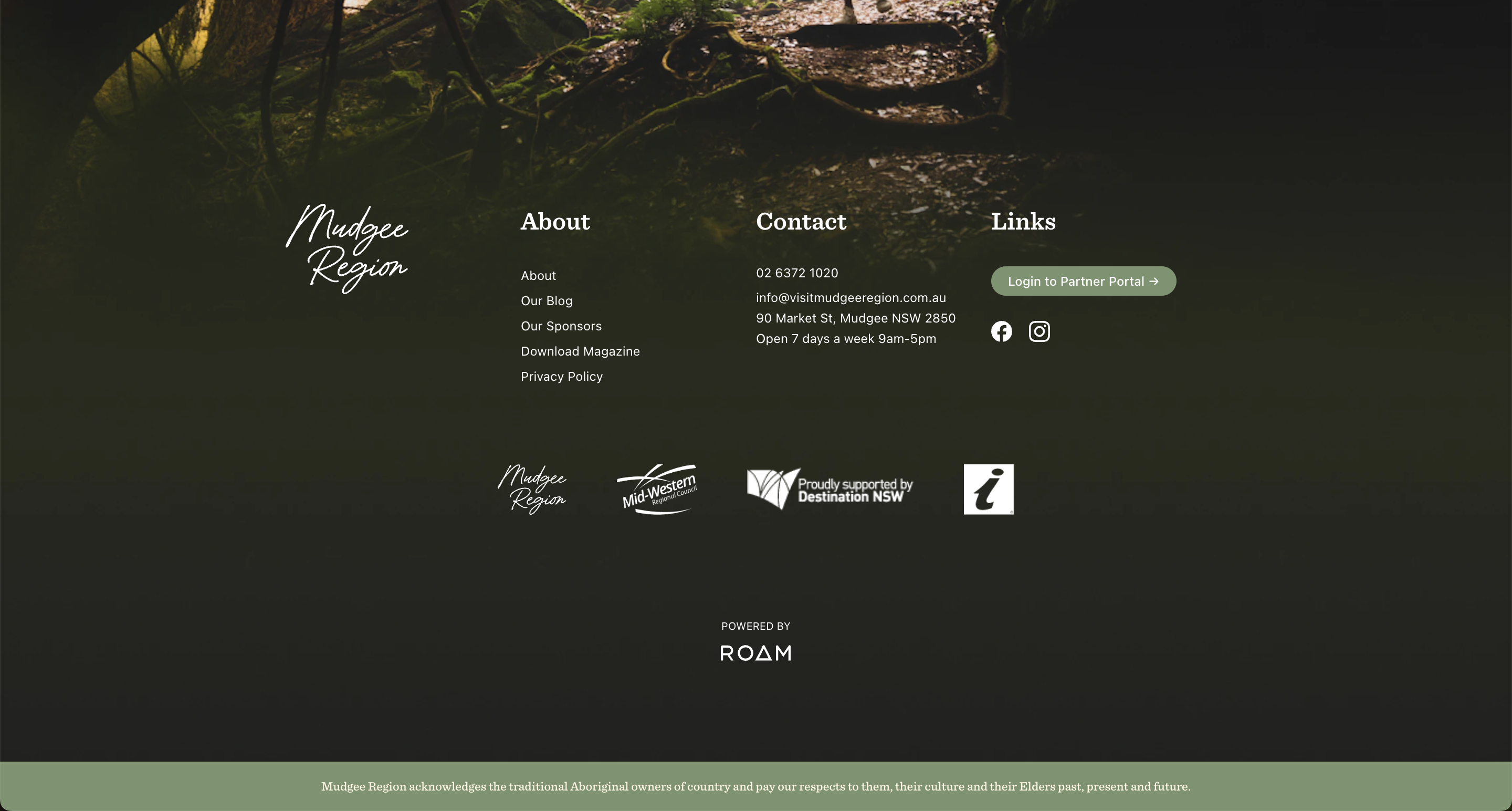
- Footer - footer navigation is the navigation that shows across the bottom part of your website (the footer) and is the same across all the website's pages.
Tiers
Tiers help you prioritise the listings based on the value assigned. Tiers can be, for example, tied to RTB's membership such as Gold, Silver and Bronze partnership level. When a tier is assigned to a listing, based on the tier, the listing will show in a certain order based on that tier value. For example, if we assign a Gold tier to a listing (assuming the Gold tier has the highest value = 100), this listing will always appear first on the Search page.
Assets
Assets are all the images on your website - that is the images you upload, images that come to your website via ATDW feed as part of the listings, images coming via Everi feed (if applicable) as part of the event listings and images that come to your website via Instagram feed (if applicable).
Data Feeds
This is where you can find ATDW categories, Everi categories and Instagram feed. All are usually set up before the website launch. If there's a new ATDW or Everi category that you started to support, this is where it is enabled so the listings for that category can be imported to your website.